How to Type and Insert Trademark and Copyright Symbols On iPhone and iPad under IOS
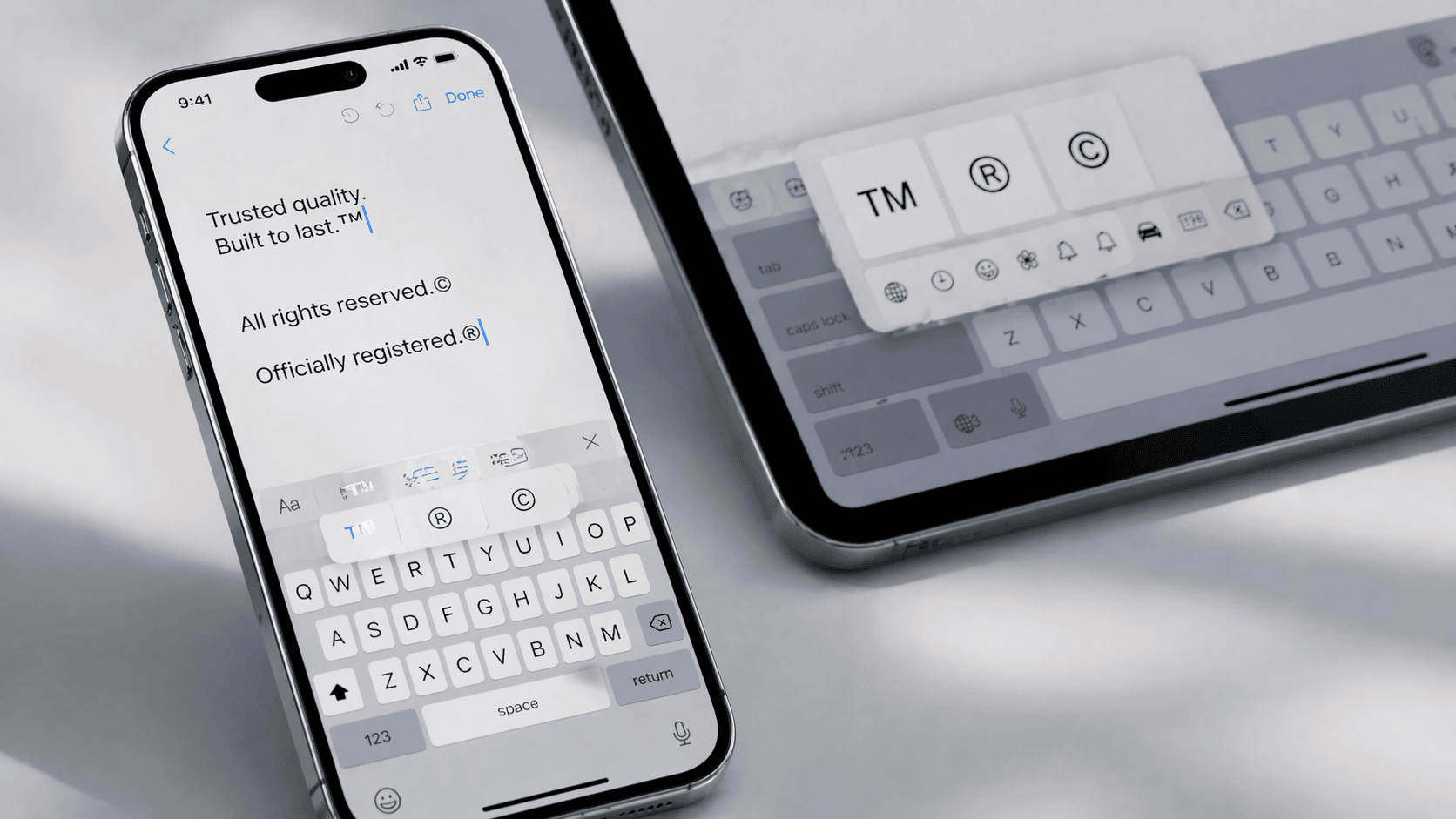
This is how you can type and insert unregistered trademark (™), registered trademark (®), or copyright (©) symbols on iPhone or iPad under IOS:
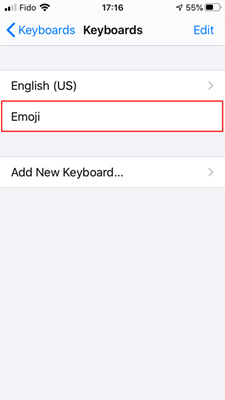
Step 1: Go to Settings -> General -> Keyboard and make sure Emoji keyboard is added. If not, add it by using Add New Keyboard...
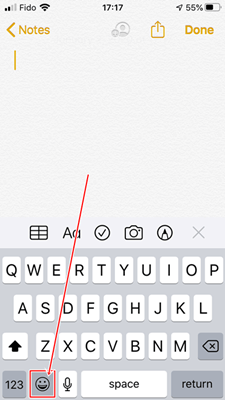
Step 2: Open the app where you need to type trademark or copyright symbols and tap the emoji button:
Step 3: Tap the Symbols tab:
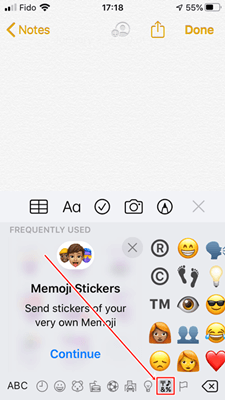
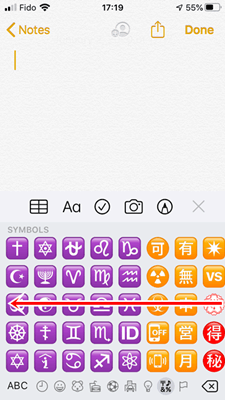
Step 4: Swipe left until you see the grey symbols screen:
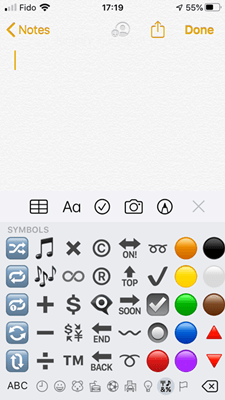
™: Tap

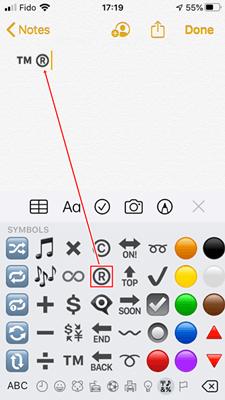
®: Tap
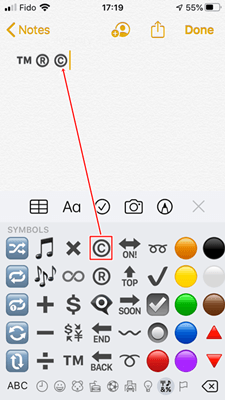
©: Tap
Or you can just use our universal tool to type and insert trademark and copyright symbols on any platform!